Write for a listener
Start with two or three sentences from the actual piece. Spell out unusual abbreviations, add punctuation where a pause belongs, and keep sentences short enough to follow aloud.
Speech from text
Text to speech free searches often lead to tools with different access rules. Start with a short script, listen for clarity, and check the terms before committing to a longer project.

A sentence from your own project tells you more than a polished sample. Choose one with a name, a pause, and a word that might be mispronounced.
Explore what to check when you want to try speech generation in a browser.
See why long scripts and repeated attempts make usage limits important.
Follow a broader workflow for preparing text and reviewing spoken results.
A voice that sounds good in a sample may still be unsuitable for your task. Check access, length, and reuse before planning around the result.
This page cannot establish that the linked product offers generation without payment or an account. Availability and terms belong to the product you open.
WorkaroundReview its current access terms before pasting a full script.
This page cannot promise unlimited input length or repeated generation. Even where a long passage is accepted, a missed name or awkward pause can require another attempt.
WorkaroundTest one representative paragraph, then divide longer material into sections if needed.
Listening to generated speech does not by itself establish that downloading, a particular audio format, or commercial reuse is available.
WorkaroundCheck export options and usage terms before making the audio part of a deliverable.
Use the same small sample throughout your checks so differences in pronunciation and pacing are easier to notice.
Start with two or three sentences from the actual piece. Spell out unusual abbreviations, add punctuation where a pause belongs, and keep sentences short enough to follow aloud.
Pay attention to names, numbers, emphasis, and the end of each sentence. If a phrase sounds unnatural, revise the wording before judging whether a different voice would help.
Before expanding the script, confirm what the product currently permits: how you can access generation, whether you can keep the audio, and whether its terms cover your project.
The words on a page do not reveal their rhythm. Listening can expose a crowded sentence or an ambiguous pronunciation that is easy to miss while reading.

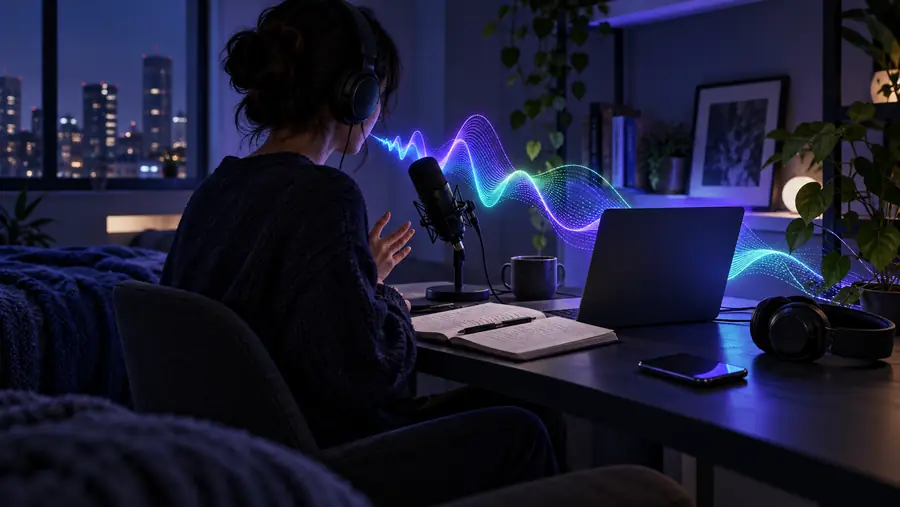
These illustrations show the workflow, not a verified product output or a promise of downloadable audio.
A quick read-through and a reusable recording call for different checks. Pick a sample that exposes the risk in your own project.
Turn a dense paragraph into something you can listen to while checking whether the ideas remain clear.
Revise sentences that are hard to understand aloud before testing the rest.
text to speech online freeTest an opening that includes a proper name, a number, and a deliberate pause.
Catch pronunciation problems early; check reuse terms before publishing.
unlimited text to speechRead a short procedure aloud to find steps that sound ambiguous.
Make the language clearer before recording or generating the full sequence.
how to use text to speechThese are two different goals. A short listening test helps you improve the words; a deliverable requires separate checks of access, export, and permitted use.
Short listening test
One representative paragraph
Finished audio project
The complete, edited script
Short listening test
Does the passage sound clear?
Finished audio project
Can the audio meet the project's needs?
Short listening test
Check a few difficult words
Finished audio project
Check names and technical terms throughout
Short listening test
Notice obvious rushed phrases
Finished audio project
Review transitions across sections
Short listening test
Check what is needed to run the test
Finished audio project
Confirm access for the whole workflow
Short listening test
May not matter for an initial listen
Finished audio project
Confirm options and terms before relying on the result
Bring a short piece of real writing to Text To Speech. Listen for meaning as well as voice quality, then review the linked product's current access and usage terms before moving to a longer script.
Some services provide a way to try speech generation, but access rules vary and can change. This page does not establish whether the linked product currently offers generation at no charge; check its terms before you begin.
That depends on the service and its current access rules. Follow the link to check what is required rather than assuming the sample can be generated without an account.
A listening option does not necessarily include a downloadable file. Check the product's export options and available formats before choosing it for a project that needs saved audio.
A short passage helps you hear whether names, pauses, and sentence endings work as intended. It also lets you discover access or usage constraints before spending time preparing a complete script.
Publication rights depend on the product's current terms and the way you intend to use the recording. Review those terms, including any rules for commercial use, before distributing the audio.